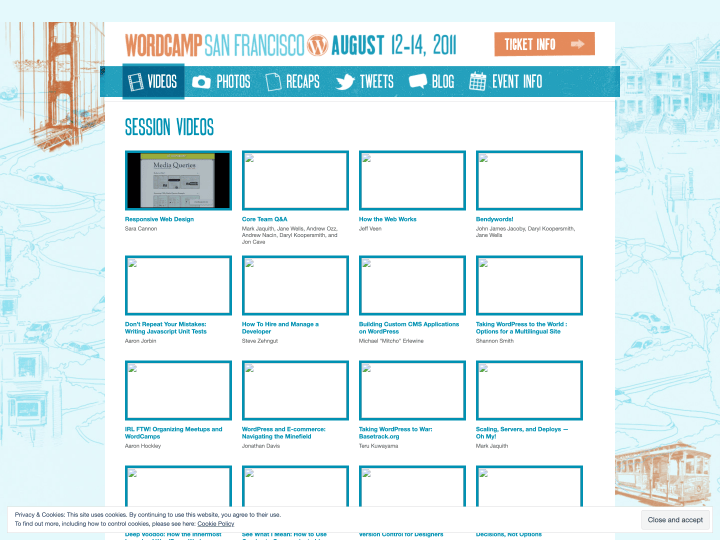
On the WordCamp San Francisco website (the event took place from August 12 to 14, 2011) you will find plenty of great video recordings of the individual talks, a good way to catch up on the latest trends and topics around WordPress. I found “Responsive Web Design” by Sara Cannon, “Options for a Multilingual Site” by Shannon Smith and “Awesome Up Your Boring Theme: WordPress Post Formats” by Ian Stewart especially interesting.
Links
33 posts
-
-
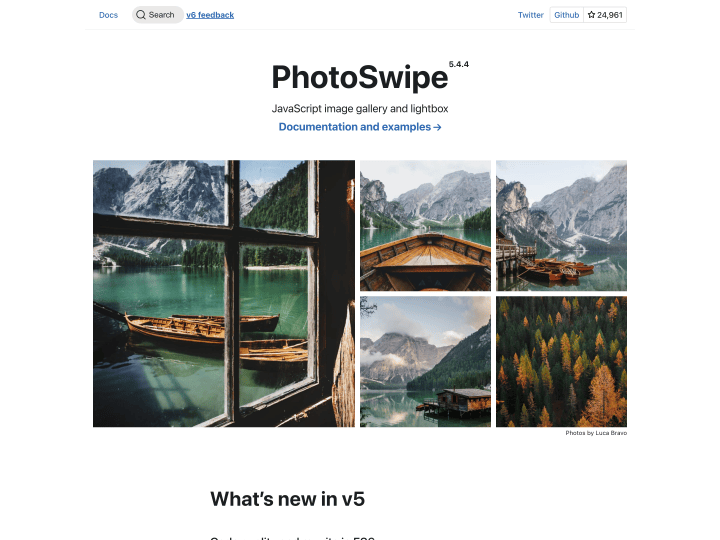
PhotoSwipe
PhotoSwipe is an image gallery built on HTML, CSS and JavaScript that is optimised for mobile devices like the iPhone, iPad, Android and Blackberry as well as for desktop browsers. A particularly nice touch is the support for the popular swipe gesture on touchscreens, changing images with a finger. Because the gallery works across platforms, it is a great fit for responsive web designs. You can watch a short intro video for PhotoSwipe on Vimeo or try the live demos right away.
-
Simple Media Queries Tester
The online tool “Simple Media Queries Tester” lets you test your website quickly, and above all clearly, in three different screen widths at once. You can set the widths yourself, for example 320 pixels for the iPhone in portrait or 758 pixels for the iPad in portrait. I find it really practical for checking a responsive design at a glance.
-
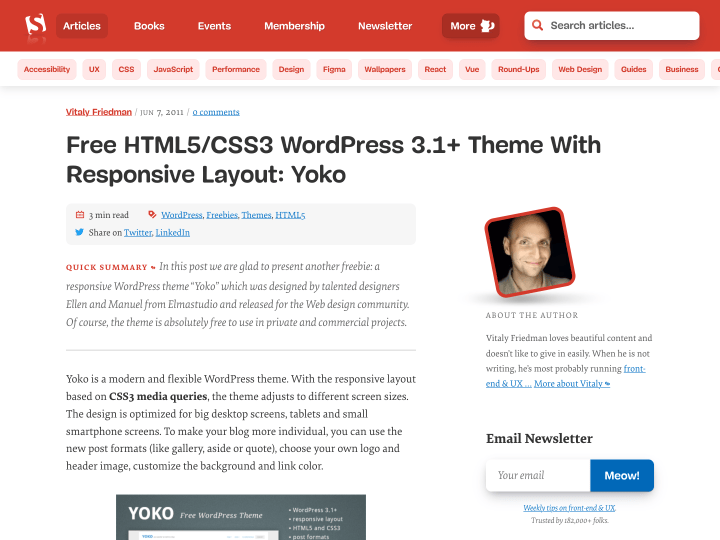
Yoko on Smashing Magazine
Today our free WordPress theme Yoko was featured in its own article on Smashing Magazine. We are thrilled about this opportunity to present our theme to such a large, international audience. Do have a look around Smashing Magazine while you are there, it is full of great articles and freebies for web design fans :-)
-
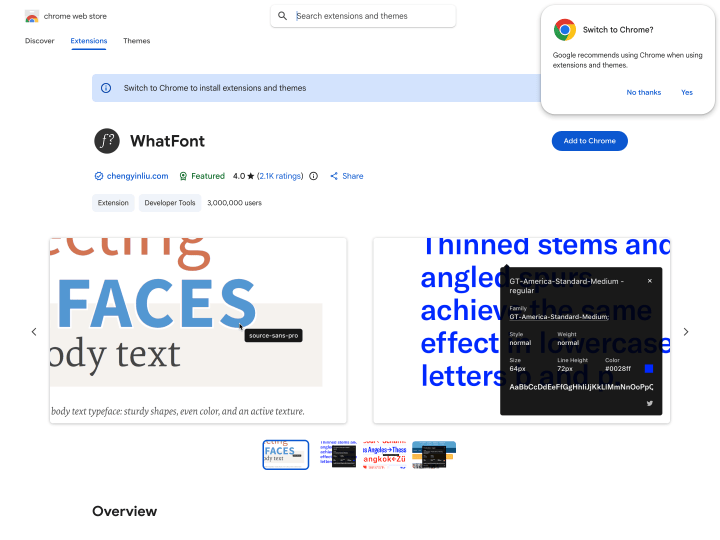
WhatFont
With the WhatFont tool, a bookmarklet or the Google Chrome extension, you can find out in seconds which fonts a website uses. If you like a typeface on a page, just click the browser extension, move your cursor over the text, and the name of the font appears in a small box. Click the text once more and you get further details such as font-weight, font-style, font-size and line-height. A practical little helper for web designers and type fans that saves you the longer hunt for fonts with a developer tool.
-
PARCOURS Existenzgründung für Designer
The book “PARCOURS Existenzgründung für Designer” by Sophia Muckle, published by Verlag Hermann Schmidt Mainz, is in my view a must-have for every creative mind planning to go self-employed or already working as a freelancer. It gives practical answers to questions about finding clients, pricing, law, taxes and insurance. The book (in German) has been with us since we started our own business and its advice has helped us many times.