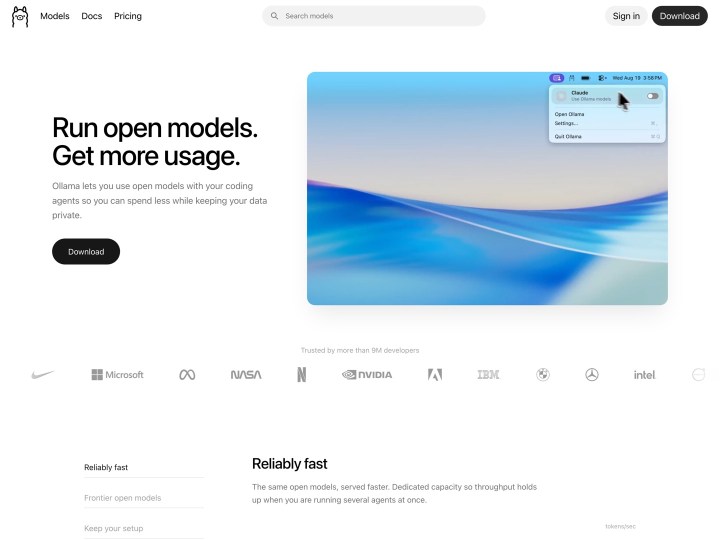
Ollama brings open language models onto your own machine: one command in the terminal pulls a model from the library and runs it, on macOS, Windows or Linux. Other programs talk to the model through an interface they already know from OpenAI, which is why Hermes Agent can be pointed at it directly. Open source under the MIT license.
Links
33 posts
-
-
Hermes Agent
Nous Research calls Hermes Agent “The Agent That Grows With You”: an open-source agent under the MIT license that remembers your projects and the solutions it has found. It answers on Telegram, Discord, Slack, WhatsApp, Signal, email or in the terminal, schedules tasks in plain language and hands bigger jobs to its own subagents. There is an app for macOS and Windows, and on Linux it runs in the terminal.
The language model behind it is yours to choose: Nous Portal and other cloud providers, or a model on your own machine through Ollama. Then the AI stays local.
-
Sass for Web Designers
CSS can get quite complicated too, and with ever more demanding web designs the stylesheets grow longer and more elaborate. Sass (short for Syntactically Awesome Stylesheets) offers a solution: with variables and nested rules, for example, writing CSS becomes a lot easier.
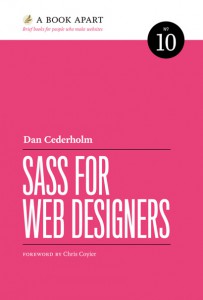
To make getting started and working with Sass easier, Dan Cederholm (founder of Dribbble, blogging at SimpleBits) has written an easy to follow guide with tips and tricks in his new A Book Apart book “Sass for Web Designers”.

“Sass for Web Designers” by Dan Cederholm. For everyone who has not dared to try Sass yet, or has not worked with it much, the book’s appealing layout and relaxed, easy language make a great introduction. If you want to start right away, the ebook is 9 US dollars, and there is also a very nice bound edition for 18 US dollars plus shipping.
-
Disable Automatic Updates in WordPress 3.7
The biggest feature of the new WordPress 3.7 release is automatic updates for minor versions (from 3.7.1 to 3.7.2, for example). Since these updates usually close important security holes, automatic background updates are a big and, in my view, very sensible new achievement for WordPress.
There are of course cases where automatic updates in the background are not wanted, or in rare cases not possible (the Background Update Tester plugin tells you whether your installation can handle them). Then Andrew Nacin’s guide on the Make WordPress Core blog shows how to disable automatic updates with a constant in wp-config.php (see steps 3 and 4 of the guide).
-
Happy Monday Podcast
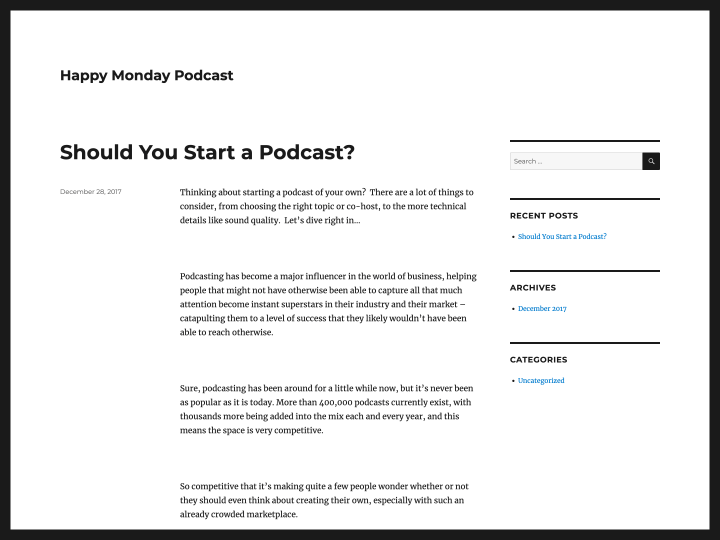
For all you web design fans, who also have trouble getting into the flow of things on mondays, the two web design insiders Sarah Parmenter (@sazzy) and Josh Long (@joshlong) have created the Happy Monday podcast series a while back.

By now there are more than 20 podcasts available to listen to online or download as MP3. Podcast guests are international webdesign and creative pleople like Jason Santa Maria, Trent Walton or Jessica Hische. It’s definitely worth it to listen to the podcasts and make your start into the new week just a little bit sweeter.
-
Am I Responsive?
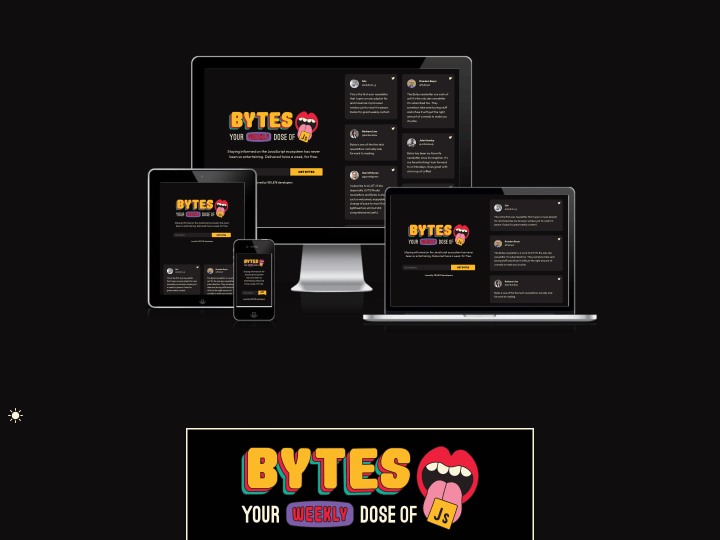
After I read the newest Responsive Design Newsletter by @justinavery this morning I had a little “aha moment”, because I never heard of his awesome side project Am I Responsive? until today. The screenshot tool lets you create helpful screenshot of your responsive website with just one click and it’s also a lot of fun to see your responsive webdesign appear in such a beautiful presentation.

Elmastudio.de on Am I Responsive?. The tool will show your responsive website in a desktop (1600x992px resolution), laptop (1280x802px), tablet (768x1024px) and mobile phone (320x480px) screen and you can even rearrange your setup by draging’n’droping the devices on the screen.
So “Am I Responsive?” is definitely bookmarked, since I think the tool is a beautiful way to create fast responsive website presentation screenshots and to get a first idea how your responsive web design will look on different devices.