
WhatFont

WhatFontchromewebstore.google.com

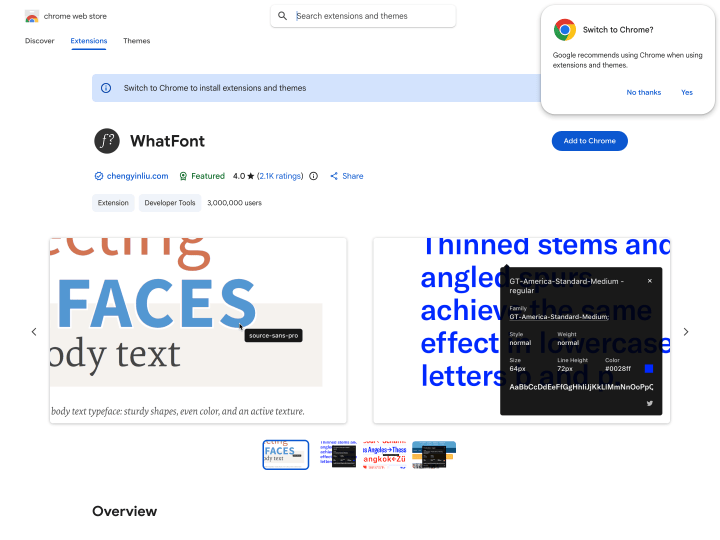
With the WhatFont tool, a bookmarklet or the Google Chrome extension, you can find out in seconds which fonts a website uses. If you like a typeface on a page, just click the browser extension, move your cursor over the text, and the name of the font appears in a small box. Click the text once more and you get further details such as font-weight, font-style, font-size and line-height. A practical little helper for web designers and type fans that saves you the longer hunt for fonts with a developer tool.

Translated from the German original of 19 May 2011.

Categories:

Enjoy what we do here? Then subscribe to our newsletter or YouTube channel. It costs you nothing and already helps a lot. If you'd like to go one step further, leave a small thank-you below. It keeps Elmastudio free for everyone, and we'll keep writing, as we have since 2009. Thank you.Enjoy what we do here? Then subscribe to our YouTube channel. It costs you nothing and already helps a lot. If you'd like to go one step further, leave a small thank-you below. It keeps Elmastudio free for everyone, and we'll keep writing, as we have since 2009. Thank you.

Leave a Reply

Your email address will not be published. Required fields are marked *

Expand sidebarB
DEEN