
SnugGrid is a small menu bar tool for the Mac. It arranges your windows in tidy rows, with an even space between them. I built it for myself, because I work all day with lots of terminal and browser windows and didn’t want one of the big window managers.
The most important thing about SnugGrid is what it doesn’t do: it never moves a window on its own. You press a key, the windows glide into place, and there they stay until you press the next one.
SnugGrid for the Mac
Download SnugGrid.zip, unzip it and move SnugGrid into your Applications folder. The download is checked by Apple and opens with a double-click. On first start macOS asks for Accessibility; SnugGrid needs it to move windows.
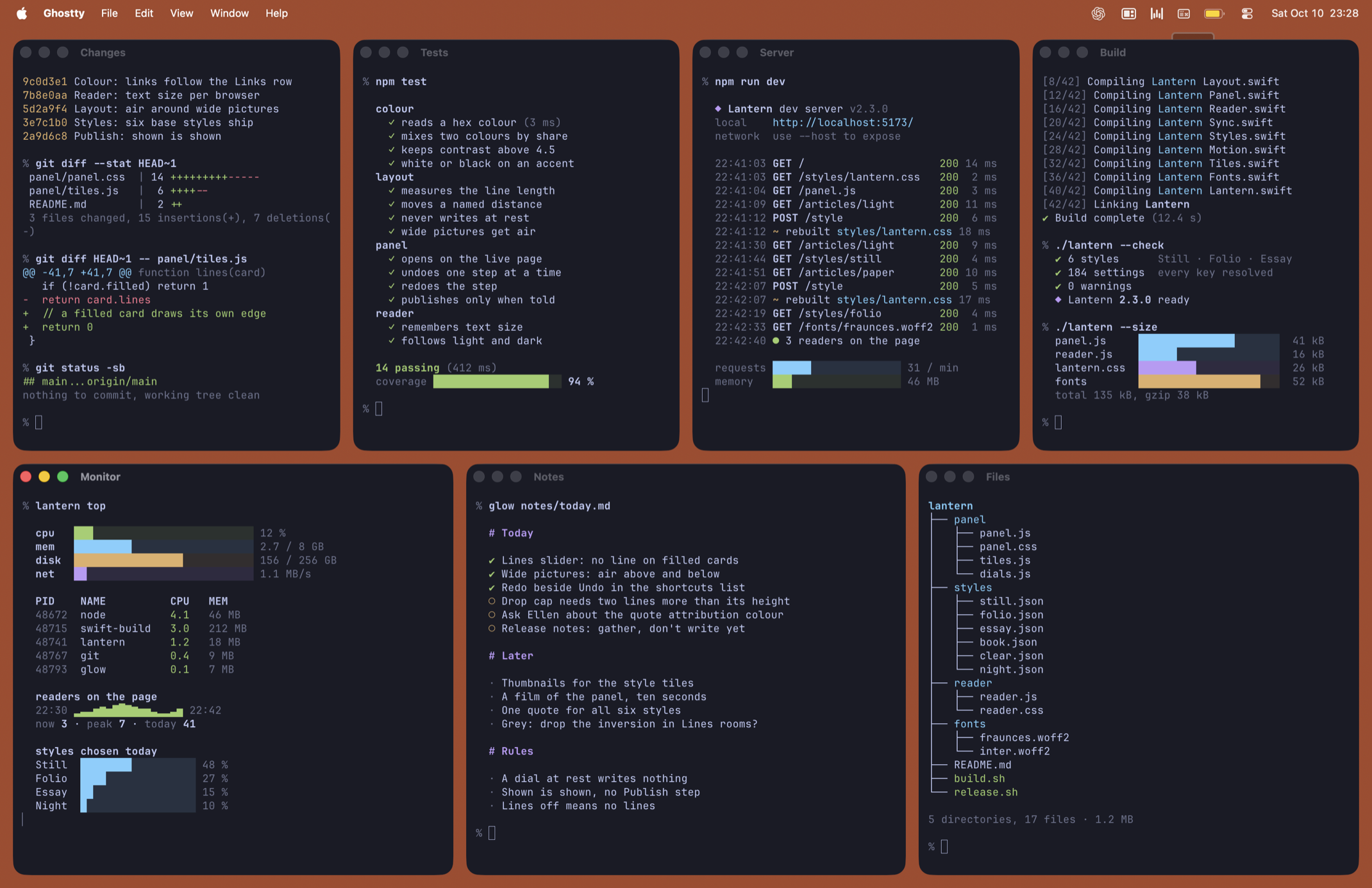
What SnugGrid does
- Layouts: pictured in the menu, or Control-Option-1 to 9. Control-Option-0 picks one for you.
- Half height: hold Shift, in the menu or on the shortcut, and the same rows sit in a band across the middle of the screen.
- In the Middle: one window in a box in the middle of the screen (Control-Option-M).
- Big and small: one big window on one side, all the others stacked on the other (Control-Option-Left and -Right).
- Swap by dragging: drop a window on another window’s tile and the two swap places.
- Custom: up to four rows with as many windows as you like, at full, three quarters or half the screen’s width and height.
- New versions: when a newer SnugGrid is out, the menu says so at the top. A click fetches it.
Privacy
SnugGrid works offline. Once a day it asks GitHub for the number of the newest version; nothing about you or your Mac is sent. Settings can switch even that off.
Free, open source
SnugGrid is free and open source under the MIT license. The source code is on GitHub, and that is where I’d love to hear what you think.