Free and in beta, on wordpress.org. Download WordPress pluginFor HTML sites Use with AI Connect your AI Vibetiles is a design panel for WordPress. It opens right on your live site, and you change colours, fonts, sizes and spacing while you look at the real page. It’s free, open source and still in beta. In…
We chose the Adobe Fonts Degular and Degular Display for our latest ElmaStudio redesign. It was no problem to include the fonts so that they would be visible on the front end of our website. You only need to include the code snippet provided for your Adobe Fonts web project in your website’s header area.…
Updated September 2026: the child themes in the list at the end now live on GitHub. The guide itself works as before. Many of you no longer want to load Google fonts from Google’s servers. The reasons differ: privacy, caching, or simply fewer requests to servers you don’t control. You don’t have to give up…
We already love the WhatFont browser extension to find out font styles and other font details (like font colors, line height, font sizes) on web sites. Now you can also use this wonderful tool directly on your iPhone. It’s super simple to use and after installing the WhatFont app on your phone you can easily…
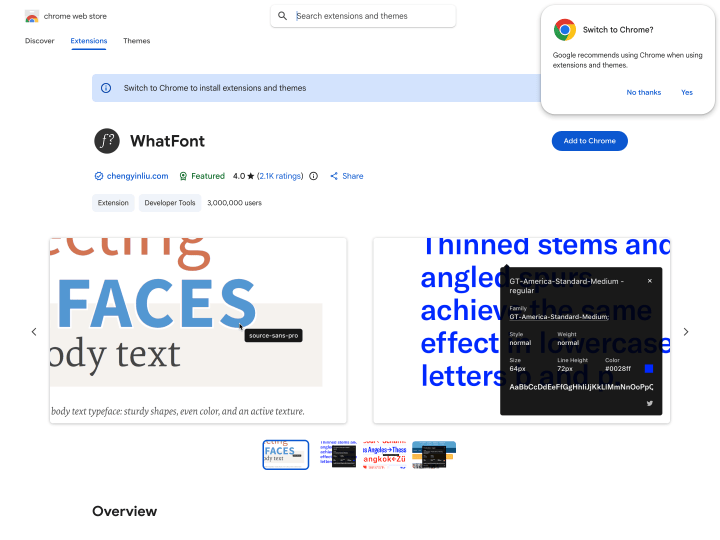
With the WhatFont tool, a bookmarklet or the Google Chrome extension, you can find out in seconds which fonts a website uses. If you like a typeface on a page, just click the browser extension, move your cursor over the text, and the name of the font appears in a small box. Click the text once more and you get further details such as font-weight, font-style, font-size and line-height. A practical little helper for web designers and type fans that saves you the longer hunt for fonts with a developer tool.