Last updated in August 2026. Checked on WordPress 7 and PHP 8, theme version 1.0.4.
View live demos
Download the theme
Enjoyed this? Then subscribe to the newsletter or follow us on YouTube. It costs nothing and helps more than anything. We have been at this since 2009, and we will keep going.Enjoyed this? Then follow us on YouTube. It costs nothing and helps more than anything. We have been at this since 2009, and we will keep going.
Piha is a blog theme that marks each post format with its own icon, and lets you set your own colours. It is a classic theme, set up on its own options page.
The Piha Theme Overview
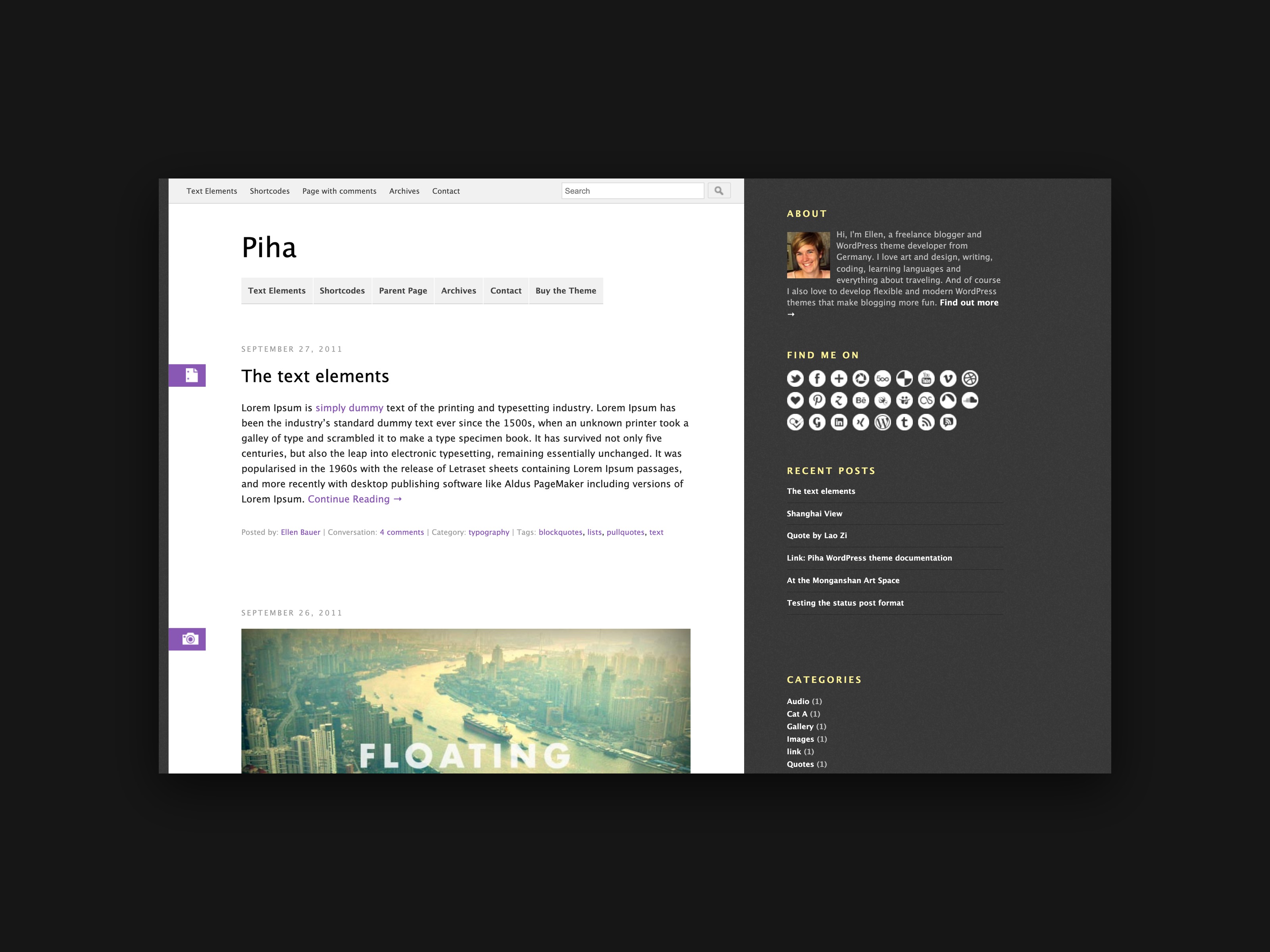
Today we would like to introduce our newest premium WordPress theme Piha. We also decided to give the Elmastudio blog a fresh coat of paint again and put the Piha theme to use right here on the blog.
Of course we have also prepared a live demo with the theme features for you. You can also watch some video tutorials on using the theme on the Piha theme page.
The most important theme features at a glance
With Piha we paid special attention to making all elements of the blog responsive (that is, optimized for mobile devices such as tablets and smartphones).
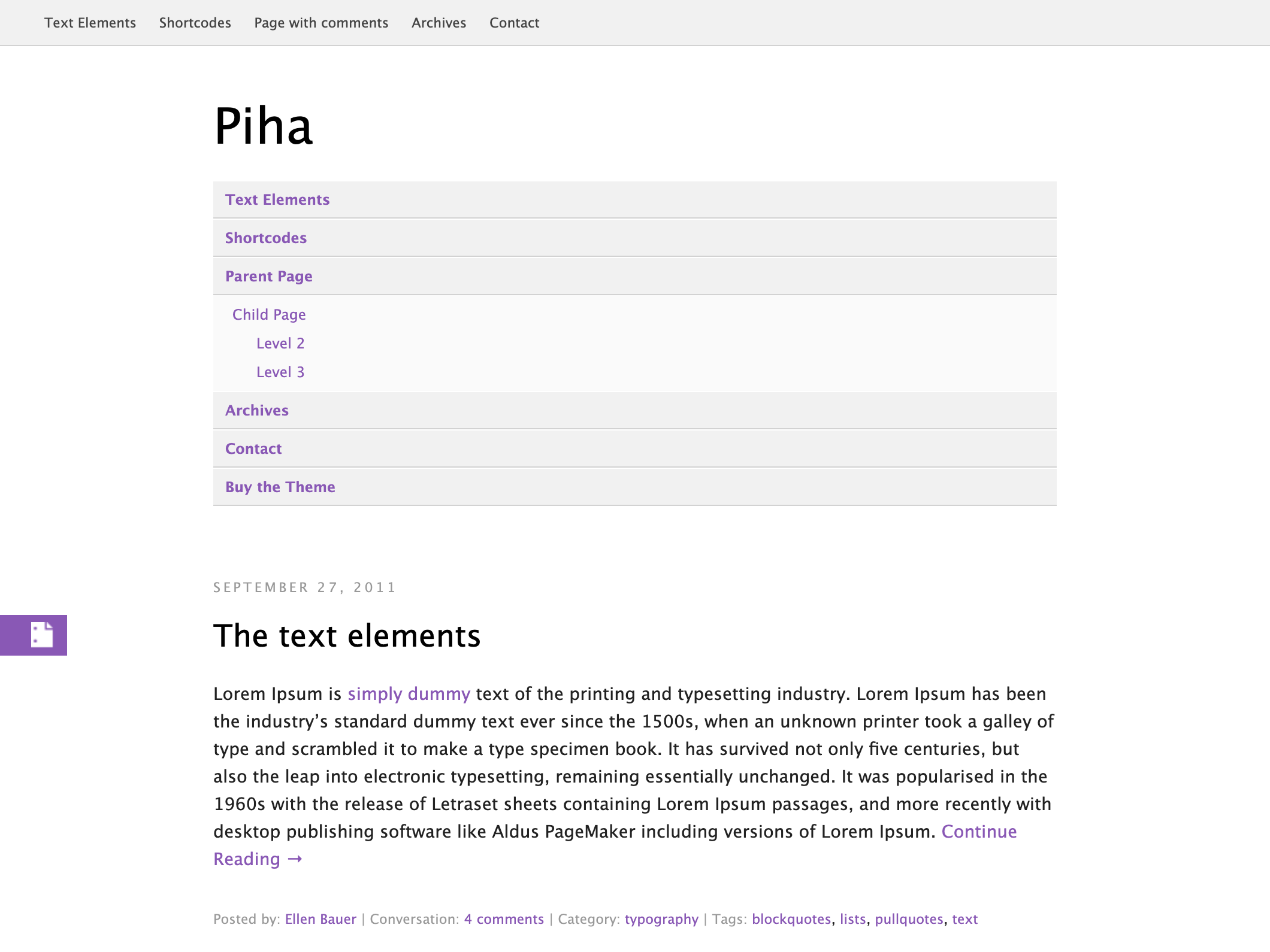
In the Piha theme you can use a main menu optimized especially for touch screens, so that all navigation items are hidden by default and only become visible when the menu button is used. This way the content of the website is not covered by a navigation that takes up too much space, even on small screens.

On a smartphone this „hidden menu“ is of course particularly helpful, since the small screen offers little room for the blog content.
Besides optimizing the responsive web design, it is also important to us that Piha offers many ways to make your blog even more individual and flexible. So you can use the WordPress post formats, set up custom sidebar widgets for social links, Flickr pictures and a featured video, adjust the colours, the menus and the header of your blog, and much more.
You can also see the most important theme options in this short video tutorial:
But enough theory. Just have a closer look at Piha in the live demo or here on the blog. We will certainly keep setting up the Elmastudio blog bit by bit over the next few days.
We tried to test the theme on as many browsers and devices as possible before the release. If you still discover a bug in the theme, we would be very happy if you let us know. This way we can keep improving the theme.
We are already looking forward to your feedback, suggestions for improvement or ideas for extensions of the Piha theme.