Last updated in August 2026. Checked on WordPress 7 and PHP 8, theme version 1.1.7.
View live demos
Download the theme
Enjoyed this? Then subscribe to the newsletter or follow us on YouTube. It costs nothing and helps more than anything. We have been at this since 2009, and we will keep going.Enjoyed this? Then follow us on YouTube. It costs nothing and helps more than anything. We have been at this since 2009, and we will keep going.
Baylys works as a blog or a portfolio, with a left, right or no sidebar, a header image or slider, and portfolio and full width page templates. It is a classic theme, set up on its own options page.
The Baylys Theme Overview
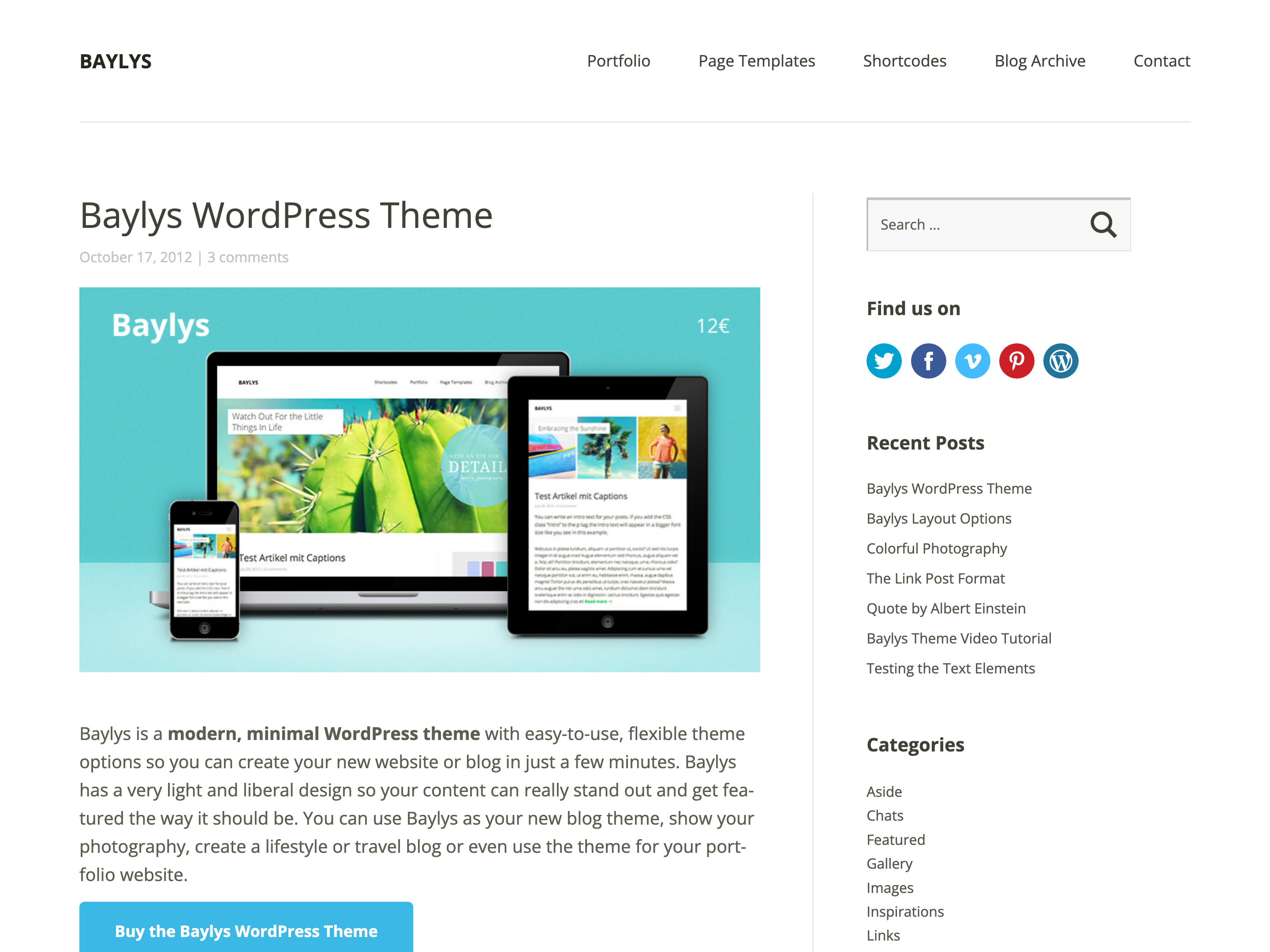
Baylys is the newest Elmastudio WordPress theme optimized for mobile devices. Besides a smart, minimalist design it offers plenty of room to feature your content properly. You can use Baylys as a blog theme, a photography blog theme or even as a portfolio, and with handy theme features such as layout options, custom page templates and lots of widget options you can set up your blog or website in just a few steps.
Layout options
Layout options and custom page templates make the Baylys theme especially flexible. You can choose between a right or left sidebar view, or use the one-column theme layout.

Page templates
If you mainly want to use the theme as a portfolio, you can set up a special portfolio page with the help of a portfolio category and use it as your front page, for example in combination with a large header slider or header image.

Widget areas and post formats
Besides layout and theme options, Baylys of course also offers plenty of room for widgets. They can be placed either in the sidebar or in the four-column footer area. The footer’s background colour is adjustable too, so you can customize your theme entirely to your needs.
To make blogging more varied, Baylys also supports all post formats. So you can simply publish a single photo, a quote, an image gallery or a link tip on your blog.
Responsive header slider or header image option
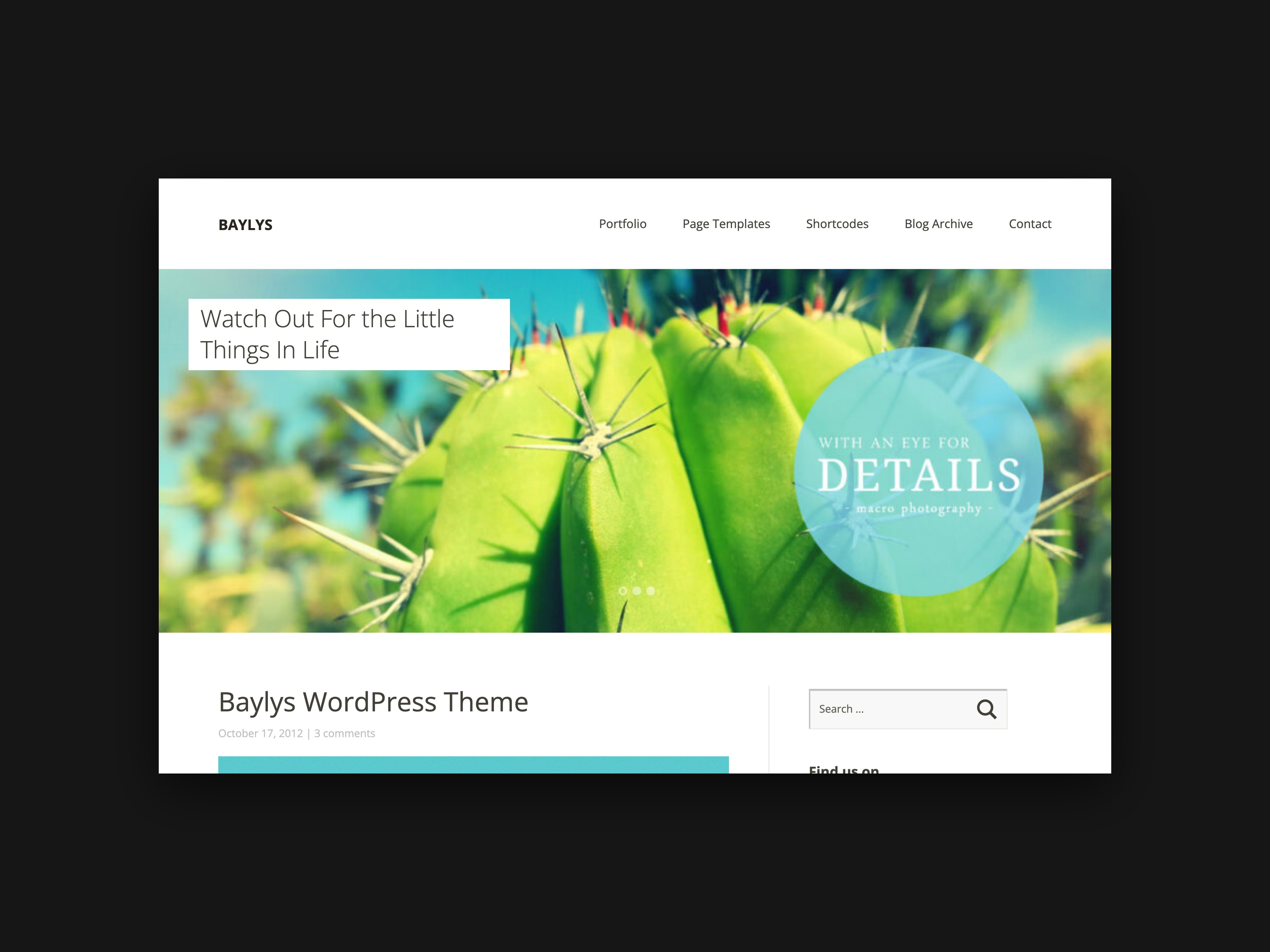
A special feature of the Baylys design is the option to integrate a large header slider optimized for mobile devices (you can use the WordPress plugin Responsive Slider for this). As an alternative to the slider, the option Appearance / Header lets you integrate large header images. On sub-pages you can also insert individual large header images (with a minimum width of 1400 pixels) via the featured image function.
To get to know the Baylys theme better, have a look at the Baylys live demo or see a list of the most important theme features and a video about the theme on the Baylys theme page. PDF documentation and a German video tutorial will follow shortly.
We hope you like the Baylys theme. We would be very happy about your feedback, further suggestions or bug reports!