Today an article of mine on responsive WordPress themes was published on Smashing Magazine. Do have a look, I am looking forward to your feedback on it!
Web Design
25 posts
-
-
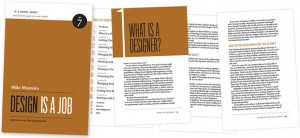
Design is a Job

(Image: A Book Apart) The latest A Book Apart release, “Design is a Job” by Mike Monteiro (Mule Design Studio in San Francisco), is especially interesting for designers and web designers who want to learn more about dealing with clients, billing their design work, the working process as a designer, or collaborating with other freelancers. The second chapter, “Getting Clients”, can be read online as a sample on A List Apart. You can order “Design is a Job” as an ebook (9 US dollars) or paperback (18 US dollars plus shipping) on the A Book Apart website. Enjoy the read :)
-
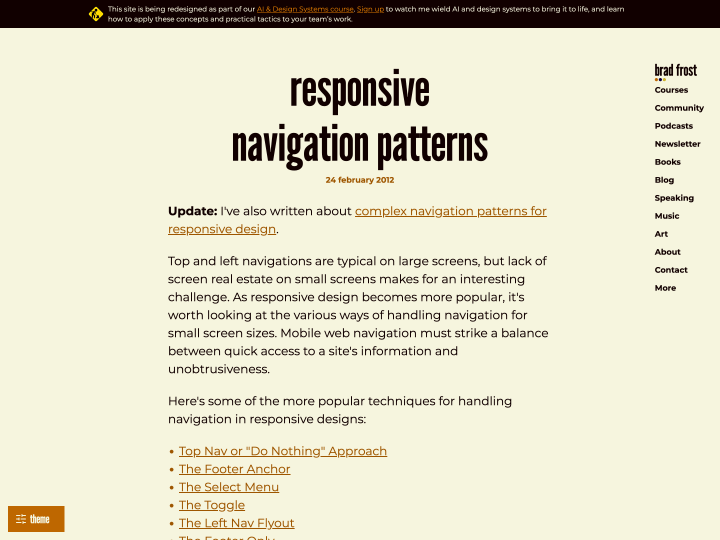
Responsive Navigation Patterns
-
Touch Gesture Cards
On Luke W’s blog you can download a helpful overview of the common touch gestures on mobile devices (Touch Gesture Cards). The overview comes as handy graphics with short descriptions, and you can even print the gestures as individual cards. The standard gestures such as tap (a light touch with the fingertip) or swipe/flick (a quick stroke across the screen, for scrolling or paging) are explained, but so are more elaborate ones like rotate, scale, or closing elements with a finger movement, which often takes a sequence of moves.
The cards make it easy to get familiar with the gestures touchscreens support. Colour coding sorts them into basic, core, navigation, drawing, object-related, Apple iOS, Android and Windows Phone 7 gestures.
Even though not every touch gesture is supported equally in all mobile browsers yet, I think it makes sense to get to know the common ones now. Effects like swipe are already used in image sliders (see PhotoSwipe or RoyalSlider).
-
Touch Target Sizes

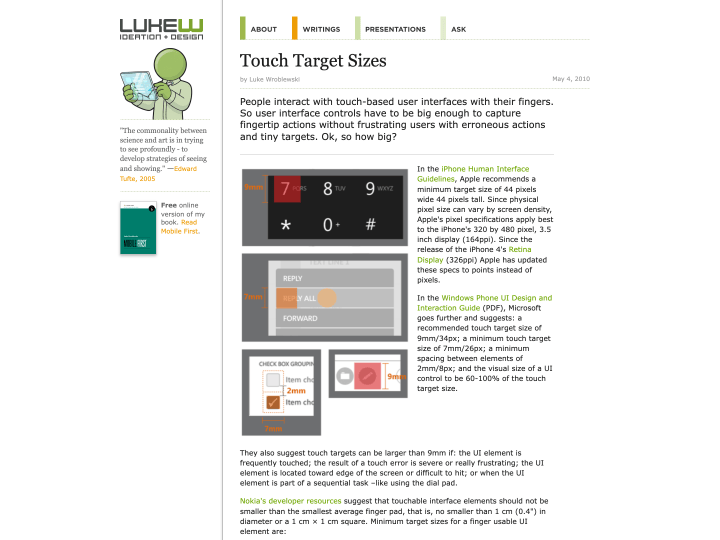
Luke W’s article “Touch Target Sizes” gives helpful guidelines for designing touchscreen buttons. The button sizes listed there were collected from several sources, such as the iPhone Human Interface Guidelines, all linked from the article.
The guidelines and tips are really useful, for example when you work on a responsive web design. Designing buttons for a finger is a different task from designing buttons for a mouse.
Button sizes have to match the size of a fingertip, and the spacing between buttons should be generous so that nobody taps the wrong one by accident. Apple’s figure for a standard touchscreen button is 44 by 44 points. That seems very large at first, but one trick is to make only the tappable area that size and draw the visible button smaller.
-
Designing for Emotion & Mobile First

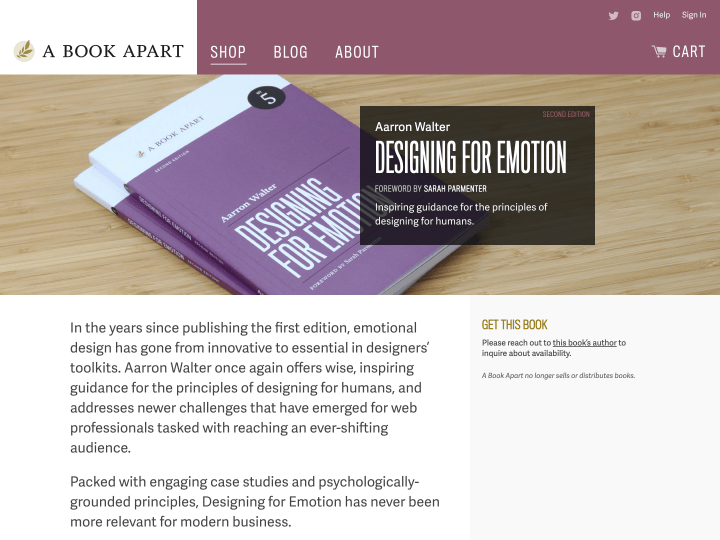
The little books from A Book Apart are always a highlight for web designers and developers, so we were especially pleased about the current offer to buy the two newest titles, “Designing for Emotion” by Aarron Walter and “Mobile First” by Luke Wroblewski, as a bundle. The ebook versions of both are available for 15 US dollars. We have not worked through our copies completely yet, but the texts read well and the language is never too complicated. We think the books are a clear recommendation for every web design fan.