Of course there are a quite a number of great icon fonts out there, like the Font Awesome icon font, which is especially designed to work with Bootstrap. For our next WordPress theme though, we dicided to use the Genericons Icon Font. With Genericons you don’t get that many icons to choose from, but in…
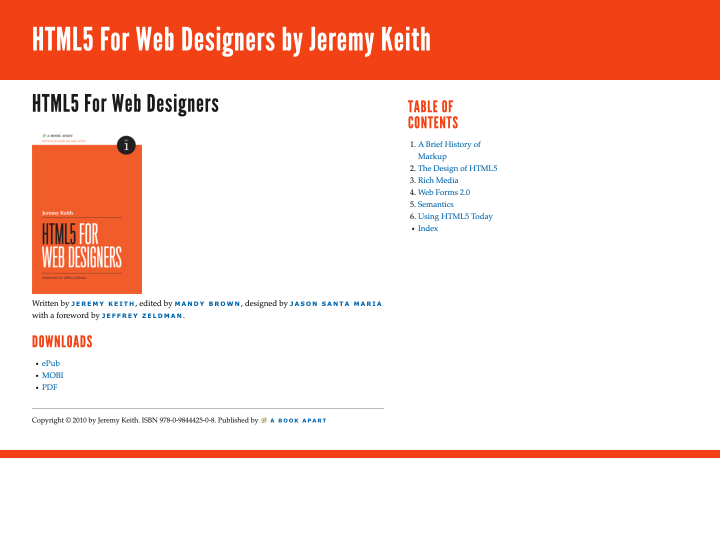
For all web designers and HTML enthusiasts who want to dig a little deeper into HTML5, the A Book Apart book “HTML5 for Web Designers” by Jeremy Keith is now available to read online for free.
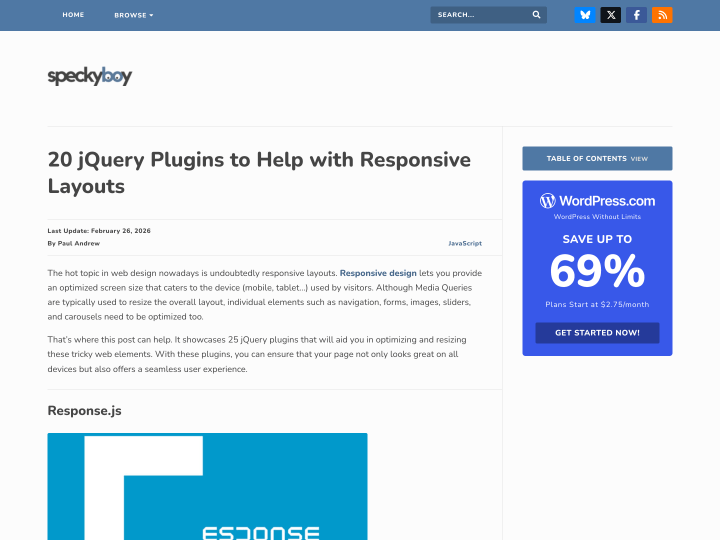
25 jQuery Plugins for Responsive Layoutsspeckyboy.com
The article “25 jQuery Plugins to Help with Responsive Layouts” on the Speckyboy blog is a useful collection of jQuery plugins that can be used when working on a responsive web design. We have presented one or two of them here on the blog already, but the article still gives a good overview of current plugin solutions.
The image carousel plugin Elastislide is another helpful jQuery plugin for making responsive web designs more interesting and versatile. With the carousel slider you can show a series of images, say your latest portfolio pieces or your last holiday photos. Alongside the plugin description there is a nice live demo page with several examples of the carousel in use.
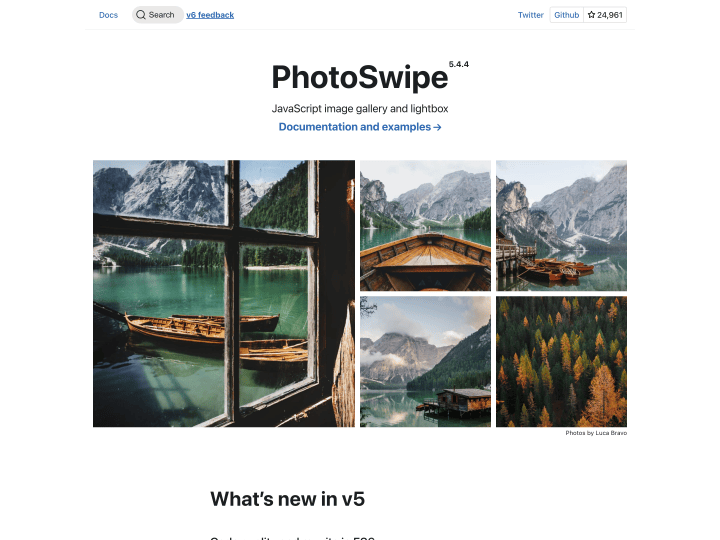
PhotoSwipe is an image gallery built on HTML, CSS and JavaScript that is optimised for mobile devices like the iPhone, iPad, Android and Blackberry as well as for desktop browsers. A particularly nice touch is the support for the popular swipe gesture on touchscreens, changing images with a finger. Because the gallery works across platforms, it is a great fit for responsive web designs. You can watch a short intro video for PhotoSwipe on Vimeo or try the live demos right away.
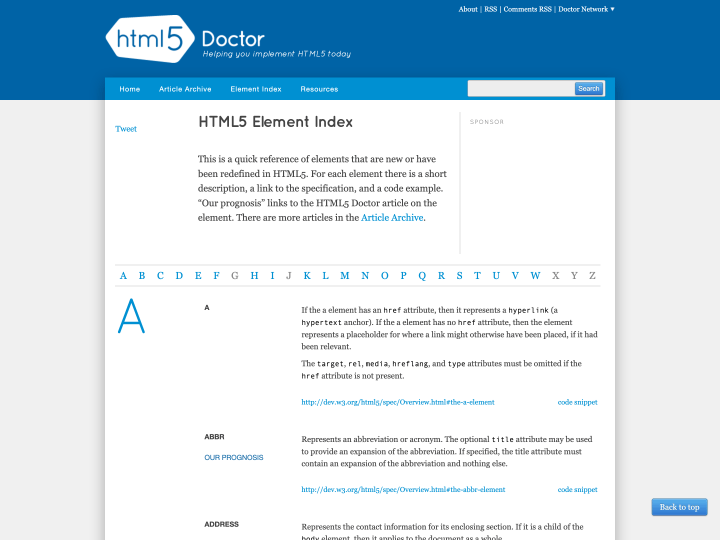
HTML5 Doctor offers a clear glossary of the most important new and revised HTML5 tags. For each tag you get a short description, a link to the matching W3C page and a handy example snippet. If you want to know more about an element, the link “Our Prognosis” takes you to a longer article. Since the descriptions are easy to follow and never overloaded, I find the glossary a practical reference for getting familiar with the new HTML5 elements.