
Last updated in August 2026. Checked on WordPress 7 and PHP 8, theme version 1.1.3.
View live demos
Download the theme
Enjoyed this? Then subscribe to the newsletter or follow us on YouTube. It costs nothing and helps more than anything. We have been at this since 2009, and we will keep going.Enjoyed this? Then follow us on YouTube. It costs nothing and helps more than anything. We have been at this since 2009, and we will keep going.
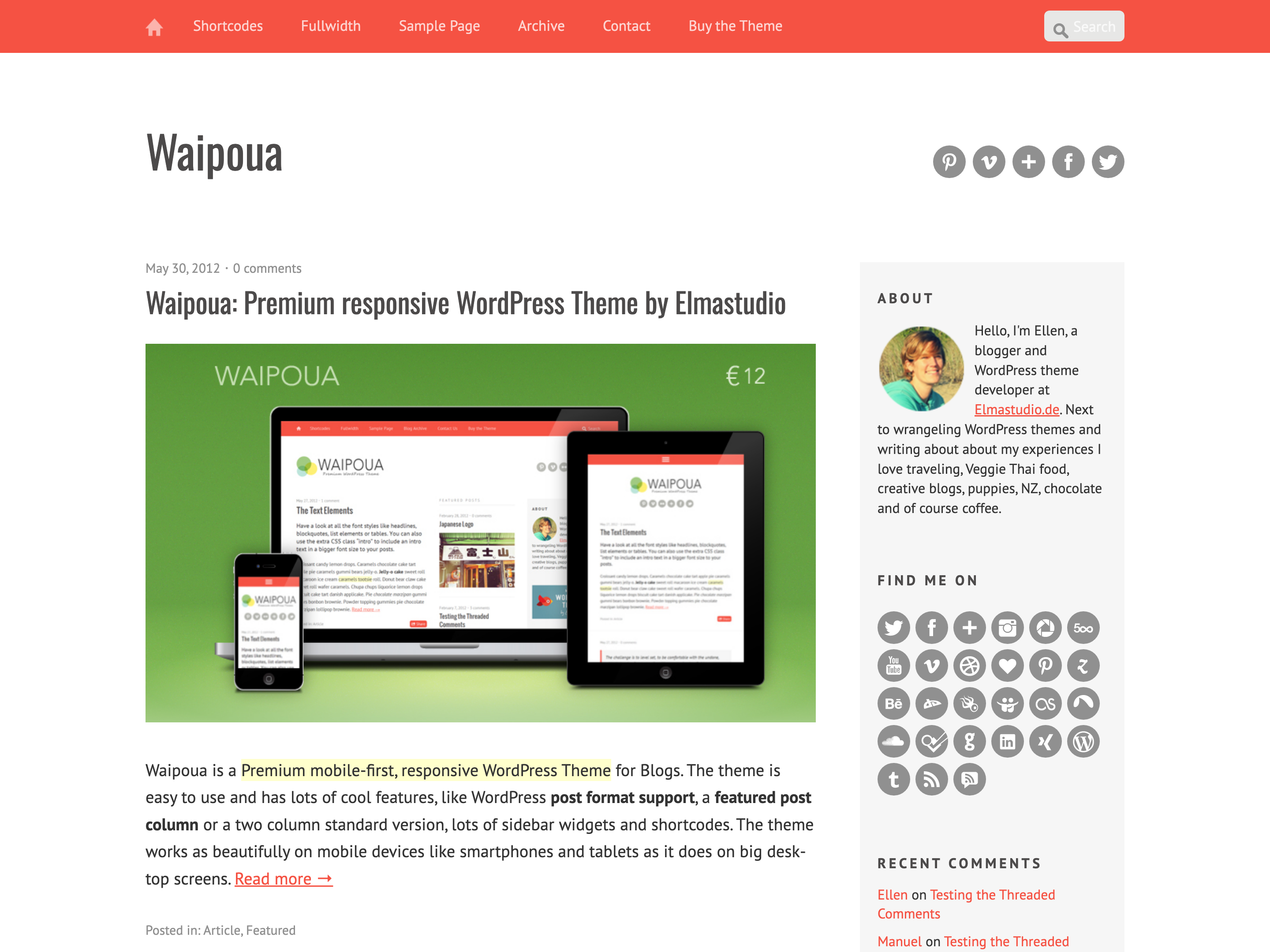
Waipoua is a blog theme with a two or three column layout, post formats, an optional featured posts column and a custom logo. It is a classic theme, set up on its own options page.
The Waipoua Theme Overview
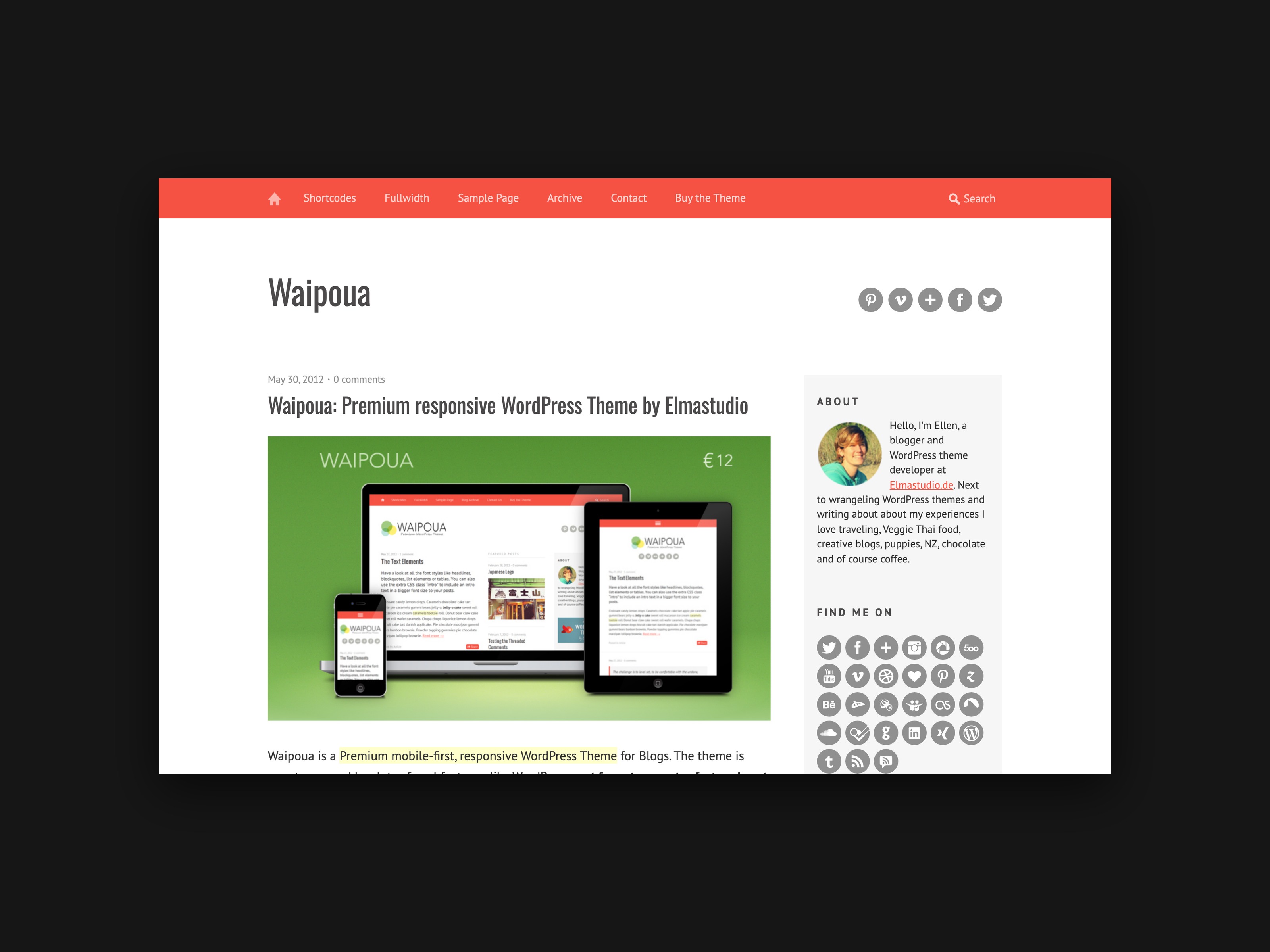
Today we would like to introduce our newest premium WordPress theme Waipoua. Waipoua is a modern, minimalist blog theme with WordPress post formats that presents content clearly and pleasantly readable, on mobile devices as well as on large desktop monitors.
The theme design puts a strong focus on optimized font sizes; the generous use of white space and the choice of Google web fonts (optimized for the respective screen formats) help to achieve this.
The responsive main menu
The Waipoua theme offers plenty of room to integrate sub-pages or important categories into the responsive main menu. On mobile devices the navigation bar switches to a space-saving, expandable mobile menu optimized for mobile devices.
The theme options
To feature your most important blog posts, the Waipoua theme offers an optional featured posts column. With the help of the sticky posts function you can highlight up to 10 posts in an extra post column on your blog. Alternatively you can use the theme in the classic two-column view only (latest posts + right sidebar).

Besides the featured posts layout, Waipoua’s theme options page lets you upload your own logo image, integrate an Apple touch icon and a favicon, choose your own link and navigation bar colour, and activate the share buttons integrated in the theme (for Twitter, Google+ and Facebook).
Widget options
The Waipoua theme offers two widget areas: the main widget area in the right-aligned sidebar, and a further optional widget area in the header for icon links to your social profiles, a text area or an advertising banner.
Besides the WordPress standard widgets, the sidebar can hold a Flickr widget, a featured video widget and the social links widget. Of course you can also use further widgets with the help of external plugins such as the AdRotate plugin for banner integration or the Jetpack plugin for a blog subscribe widget, a Twitter widget or an image widget.
Of course Waipoua has plenty of further features. The best way is to have a look at the theme directly in the live demo. You can find more theme features, and shortly also detailed documentation and video tutorials, on the Waipoua theme page. We are very happy about your questions, your feedback on the theme, suggestions for improvement and any bug reports.
Waipoua is in use here on the Elmastudio blog from today on as well. Over the next few days we will experiment a little with different Typekit font integrations and make a few additions here and there, for example in the sidebar. We will certainly report on our experiences with the Typekit fonts in a blog post too.



Leave a Reply