
Last updated in August 2026. Checked on WordPress 7 and PHP 8, theme version 1.0.10.
View live demos
Download the theme
Enjoyed this? Then subscribe to the newsletter or follow us on YouTube. It costs nothing and helps more than anything. We have been at this since 2009, and we will keep going.Enjoyed this? Then follow us on YouTube. It costs nothing and helps more than anything. We have been at this since 2009, and we will keep going.
Onigiri is a portfolio theme for creative work, using Jetpack's portfolio projects, with a blog alongside for news or a journal. It is a classic theme, set up on its own options page.
The Onigiri Theme Overview
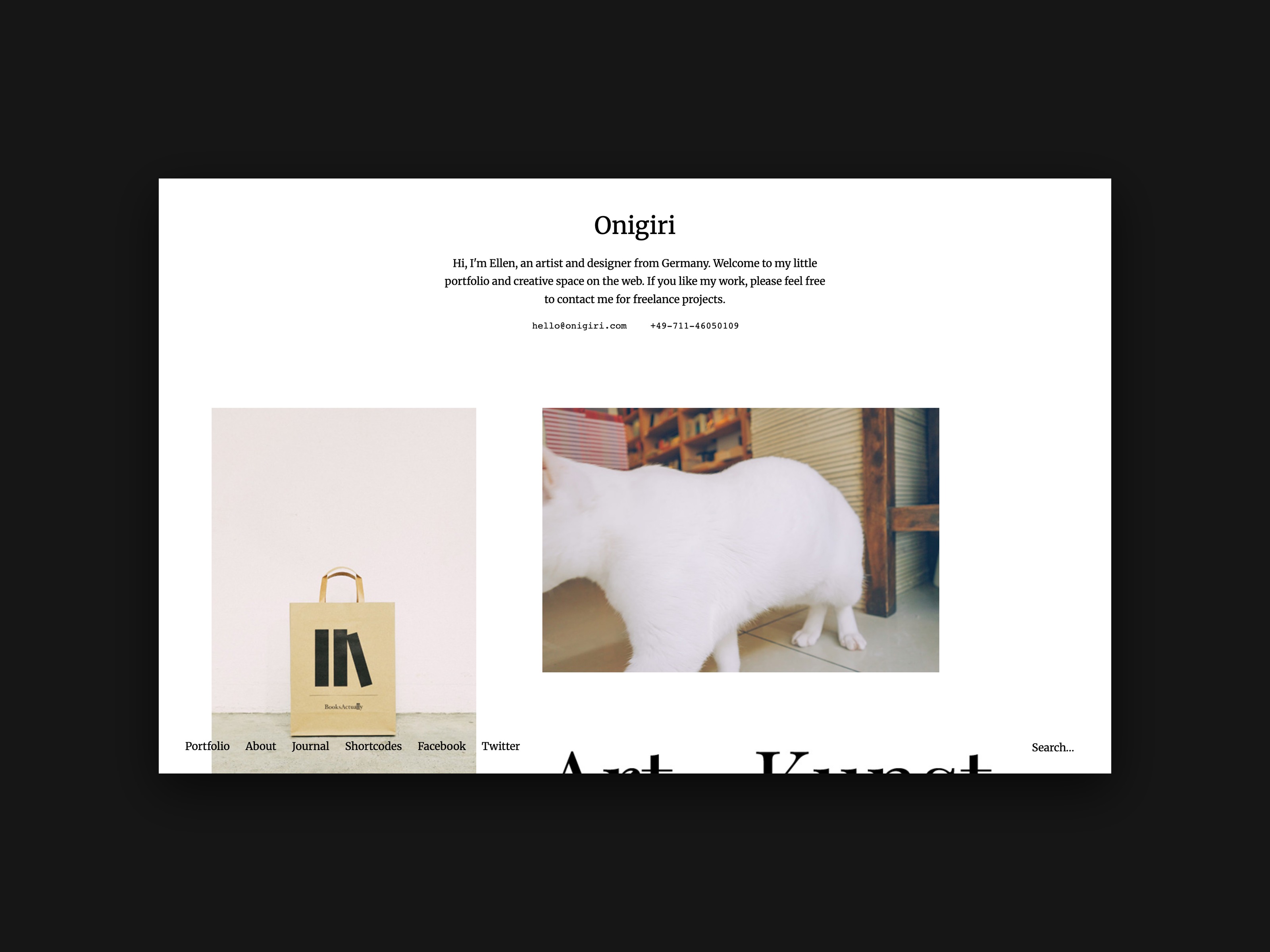
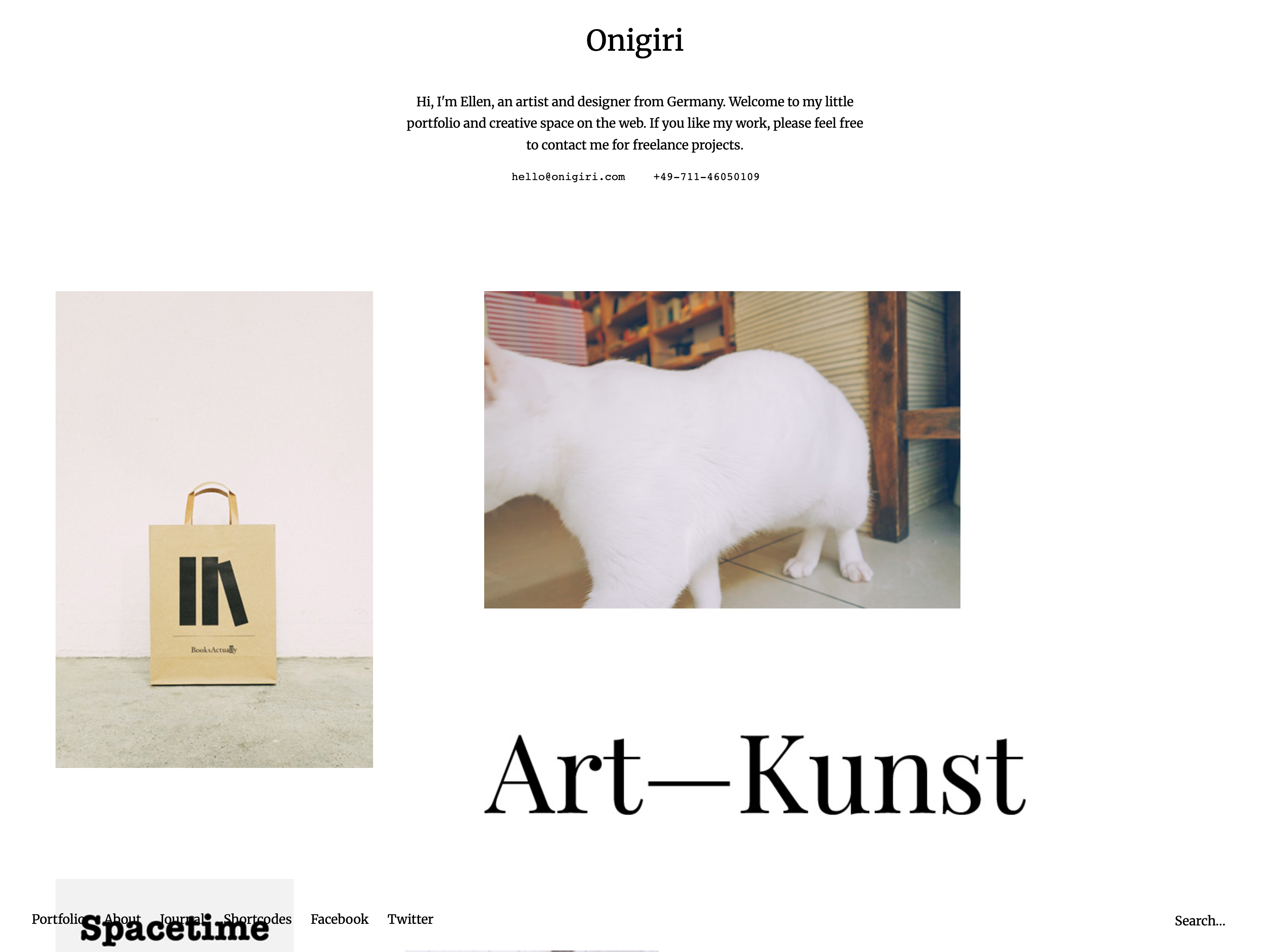
Today we are so happy to be able to introduce our newest Portfolio WordPress Theme to you. Onigiri (Live Demo) is a responsive Portfolio theme for designers, artists, photographers and other creatives, who want to present their work in a minimal, clean and arty way. Of course the theme also has a default WordPress blog option, so you are able to create a “Latest News” stream or write a small diary or online journal on your website.
The About page is one of the highlights in the theme, since you can create your own About page template and then choose an individual background and text color, just for your About page. You can also use shortcodes and special CSS classes to design your About page even further and individualize it to your needs. Onigiri also comes with additional theme options in the WordPress customizer. Here you can for instance add a header slogan and include your contact details in the header.
The Portfolio
To create the Portfolio in Onigiri you will need to install the free Jetpack WordPress plugin. This is extremely important, if you ever want to switch to another theme using the Jetpack Portfolio feature.

Portfolio projects in Onigiri
In the Onigiri theme you can create an arty, open grid layout on your portfolio front page by including your projects “Featured Images” in different image sizes.
On single project pages further projects will be included below your project content. This way your visitors can easily look through your portfolio. Project images and other content can be included with the maximum size of 1280 pixels, using an extra div container with the CSS class “wide-content”.
This way you will have lots of flexible options to feature your portfolio projects, artwork or pictures in your desired size.
About Page
Onigiri offers an elegant About page template, which gives you the option to choose an individual background and text color just for your About page. With the help of shortcodes and special CSS classes for text styles you can design your own, individual About page with a beautiful layout. You will find the color options for the About page under Appearance / Customizer / Colors.

Theme Options
You can find further theme options under Appearance / Customizer. E.g. here you can include a header slogan or intro text and include your contact details (like your email address or phone number) in the header. You can also choose to fix-position your logo image or website title and hide the search form. Of course you will also find further color options. You can also upload your own logo image under Appearance / Header.
Your Feedback
We hope you will love our new Portfolio theme and you have already some first ideas in mind on how to use it. We are looking forward to your feedback, your questions and suggestions for improvements.



Leave a Reply